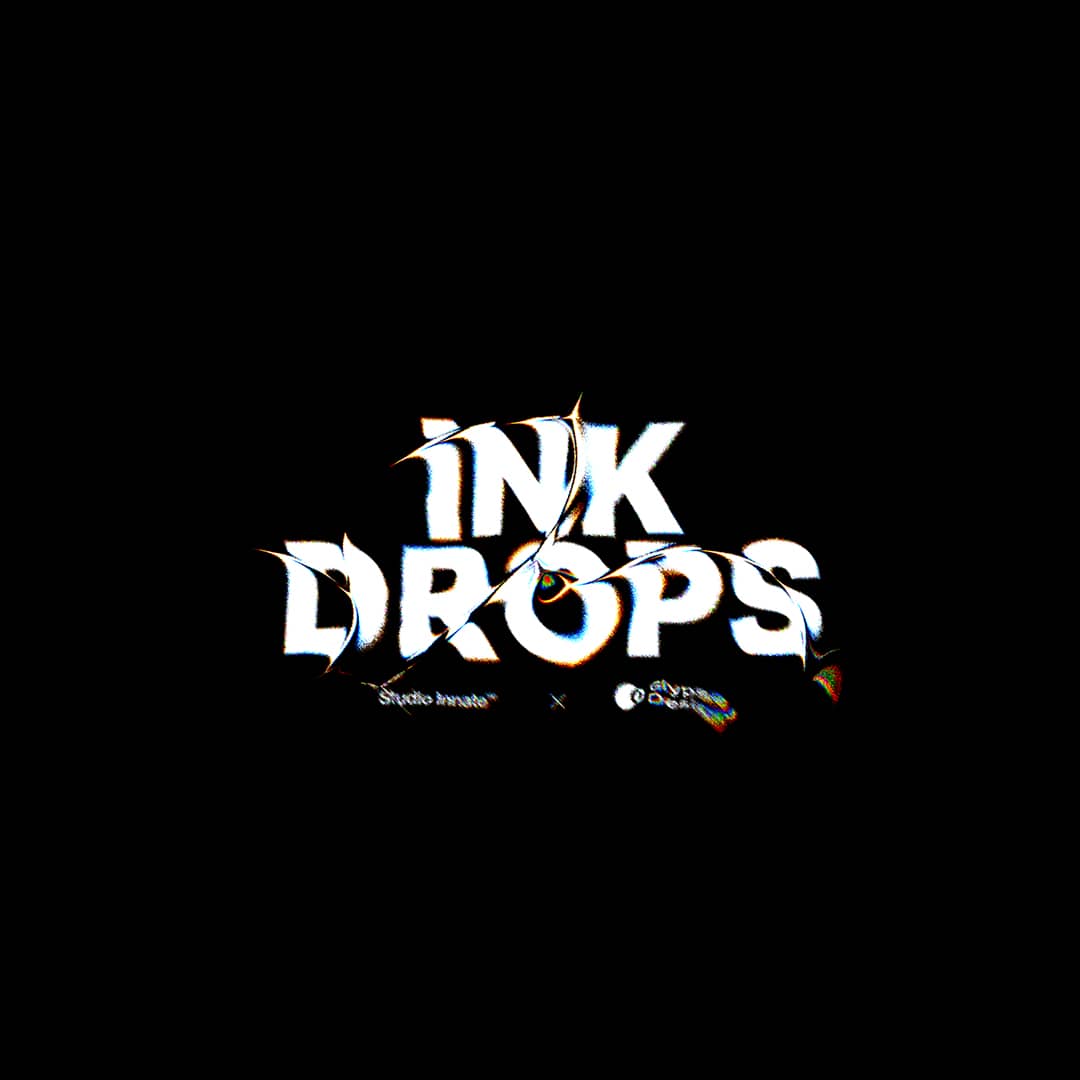
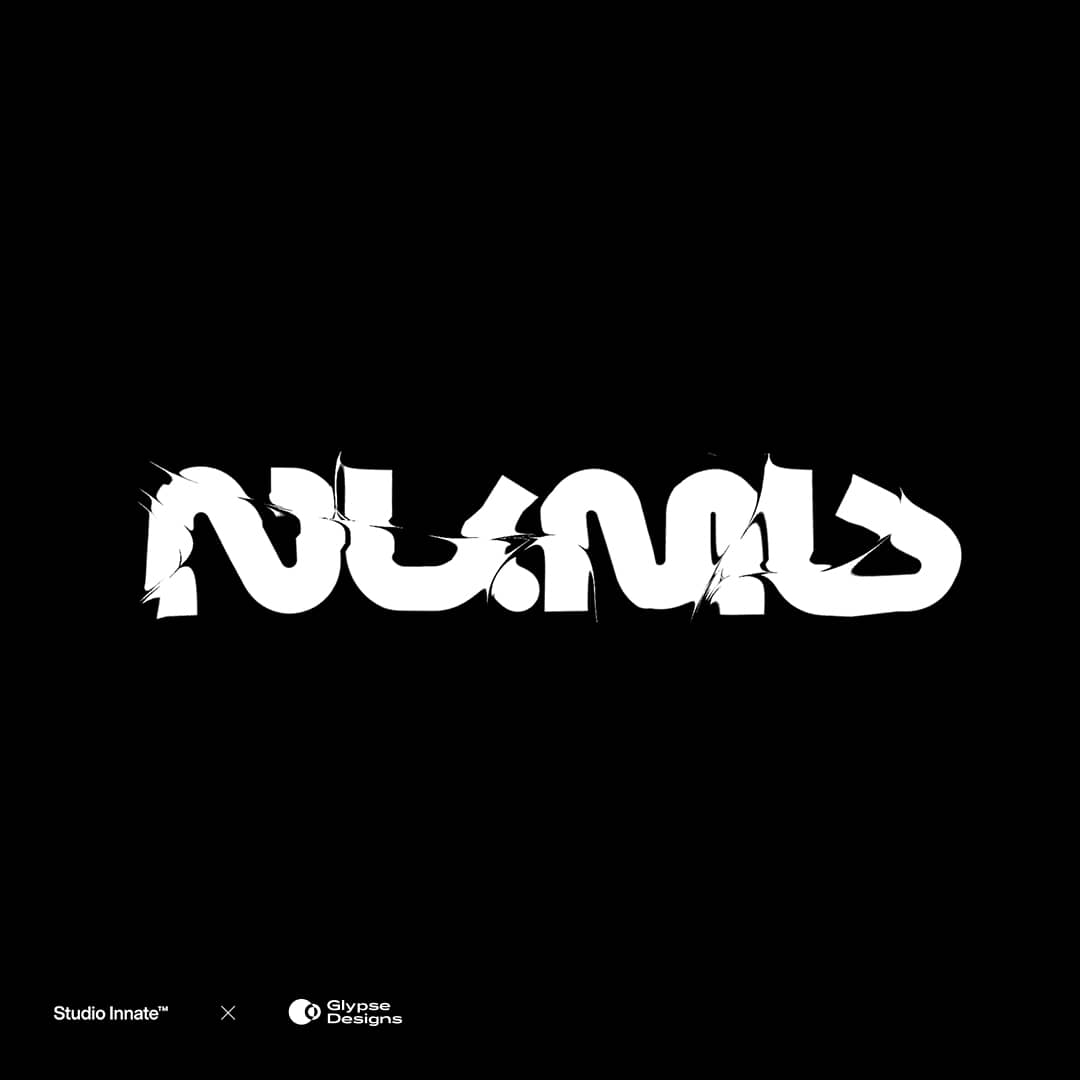
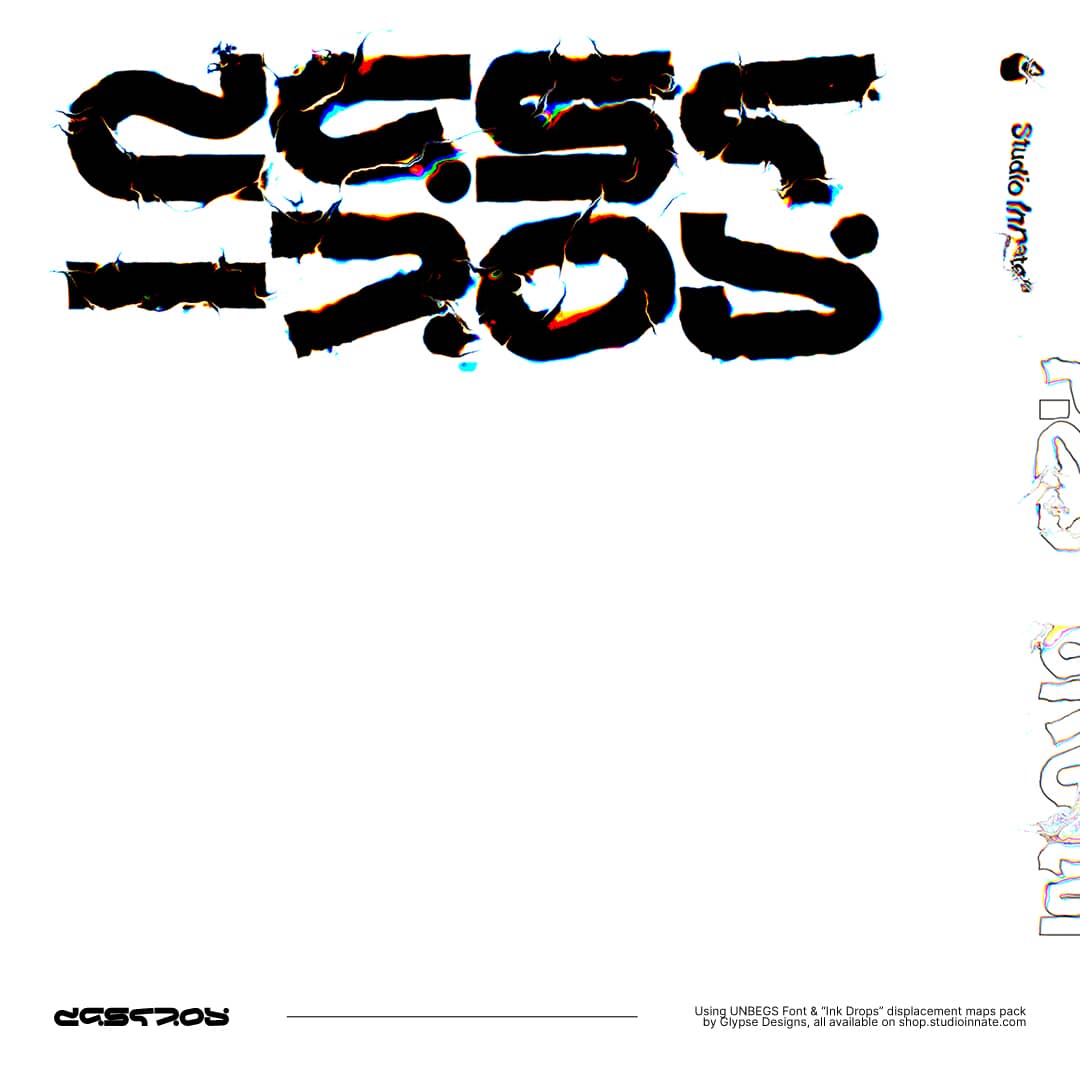
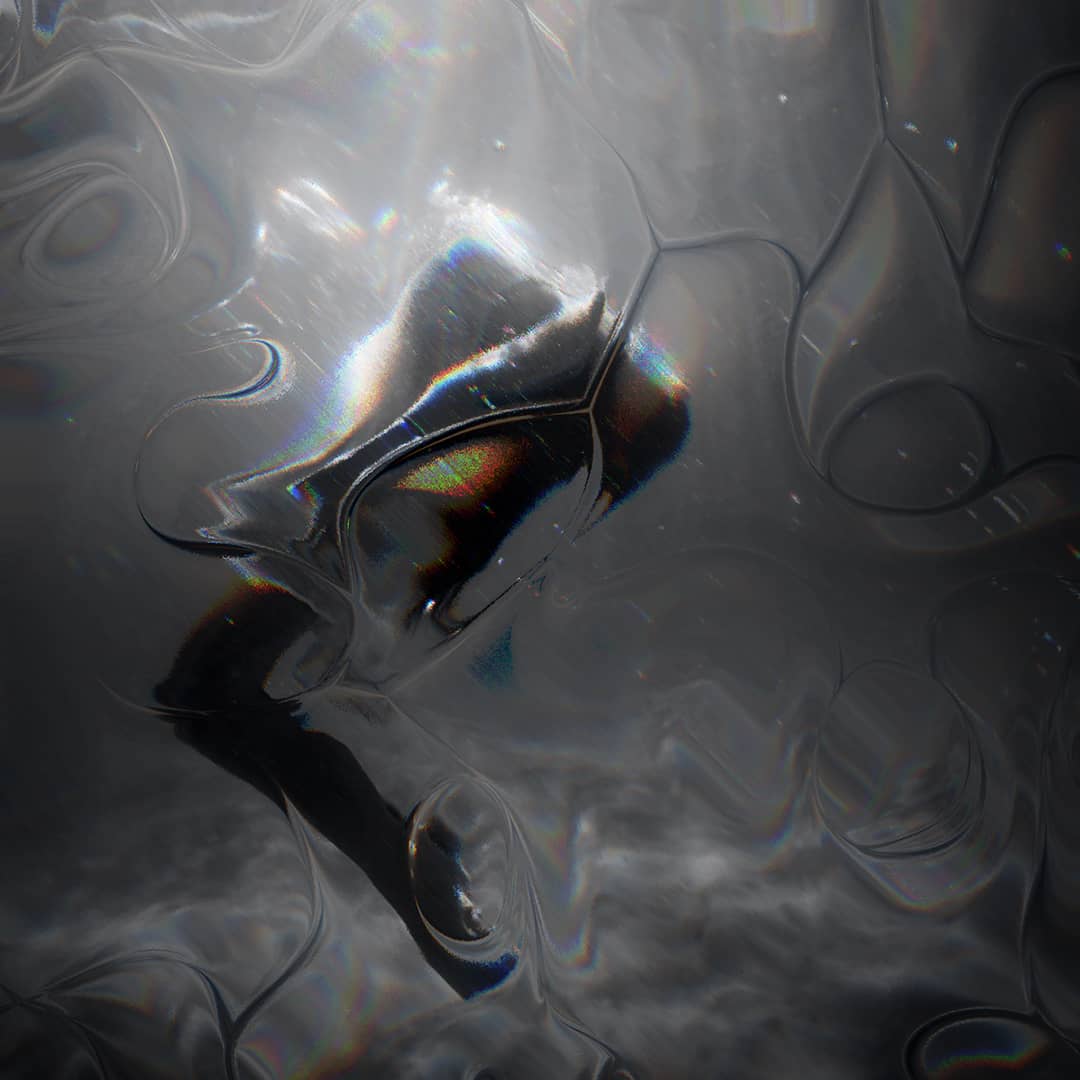
Two hundred and eighty ink displacement maps in two styles — smooth and rough — giving you a complete toolkit for adding organic ink texture to any Photoshop project. Drop them over any design for authentic ink effects without manual painting.
Reviews
5 reviews for Ink Drops
Rated 5 out of 5
Ruben Salet (verified owner)–
Love it! Endless variations possible and it includes a clearly explained tutorial.
If you create artworks, I can recommend it for sure 🙂
Rated 5 out of 5
Anonymous (verified owner)–
Rated 4 out of 5
Tomoko Inoue (verified owner)–
Rated 5 out of 5
Prince Jamal Minhas (verified owner)–
A lot of variations which is quite nice
Rated 5 out of 5
Seeb Bremer (verified owner)–
Only logged in customers who have purchased this product may leave a review.
This website uses cookies to improve your experience while you navigate through the website. Out of these, the cookies that are categorized as necessary are stored on your browser as they are essential for the working of basic functionalities of the website. We also use third-party cookies that help us analyze and understand how you use this website. These cookies will be stored in your browser only with your consent. You also have the option to opt-out of these cookies. But opting out of some of these cookies may affect your browsing experience.
Necessary cookies are absolutely essential for the website to function properly. These cookies ensure basic functionalities and security features of the website, anonymously.
Cookie
Duration
Description
cookielawinfo-checkbox-analytics
11 months
This cookie is set by GDPR Cookie Consent plugin. The cookie is used to store the user consent for the cookies in the category "Analytics".
cookielawinfo-checkbox-functional
11 months
The cookie is set by GDPR cookie consent to record the user consent for the cookies in the category "Functional".
cookielawinfo-checkbox-necessary
11 months
This cookie is set by GDPR Cookie Consent plugin. The cookies is used to store the user consent for the cookies in the category "Necessary".
cookielawinfo-checkbox-others
11 months
This cookie is set by GDPR Cookie Consent plugin. The cookie is used to store the user consent for the cookies in the category "Other.
cookielawinfo-checkbox-performance
11 months
This cookie is set by GDPR Cookie Consent plugin. The cookie is used to store the user consent for the cookies in the category "Performance".
viewed_cookie_policy
11 months
The cookie is set by the GDPR Cookie Consent plugin and is used to store whether or not user has consented to the use of cookies. It does not store any personal data.
Functional cookies help to perform certain functionalities like sharing the content of the website on social media platforms, collect feedbacks, and other third-party features.
Performance cookies are used to understand and analyze the key performance indexes of the website which helps in delivering a better user experience for the visitors.
Analytical cookies are used to understand how visitors interact with the website. These cookies help provide information on metrics the number of visitors, bounce rate, traffic source, etc.
Advertisement cookies are used to provide visitors with relevant ads and marketing campaigns. These cookies track visitors across websites and collect information to provide customized ads.





5 reviews for Ink Drops
Ruben Salet (verified owner) –
Love it! Endless variations possible and it includes a clearly explained tutorial.
If you create artworks, I can recommend it for sure 🙂
Anonymous (verified owner) –
Tomoko Inoue (verified owner) –
Prince Jamal Minhas (verified owner) –
A lot of variations which is quite nice
Seeb Bremer (verified owner) –
Only logged in customers who have purchased this product may leave a review.