Scene Editor Pro
Subscribe to the Scene Editor to place your design on the Streetwear Fit T-Shirt (Front) and export it in your browser. Want to try first? Some mockups are free to use.
See membership plans Try a free mockup Already a member? Log inSupported formats: PNG / JPG / SVG
Maximum size 20MB
Supported formats: PNG / JPG / SVG
Maximum size 20MB

Prompt used to create result
Copy
Copied
Prompt used to create result
Copy
Copied
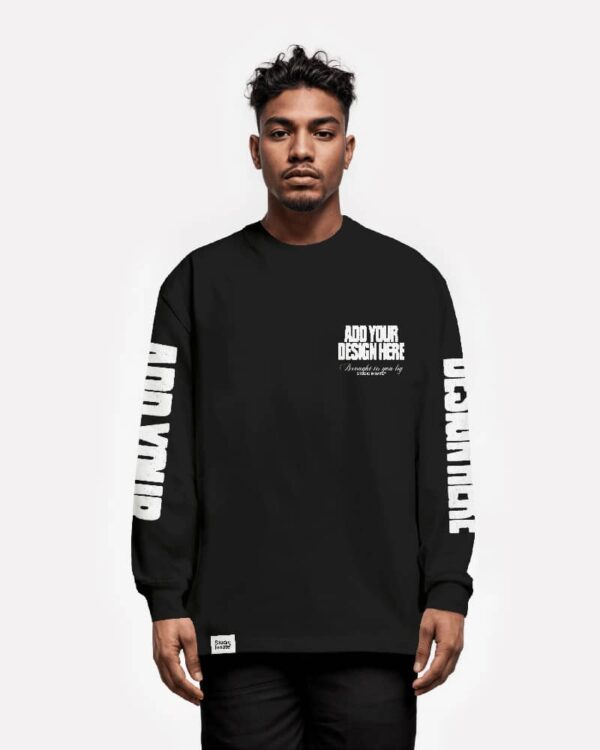
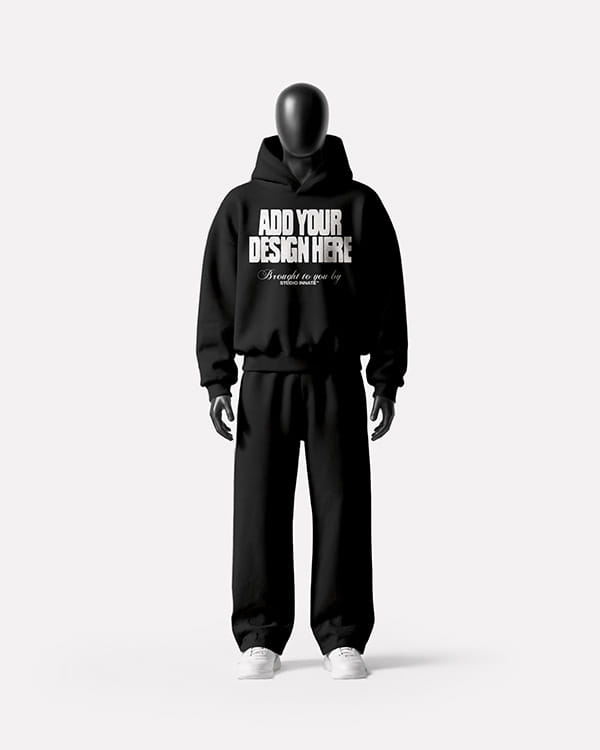
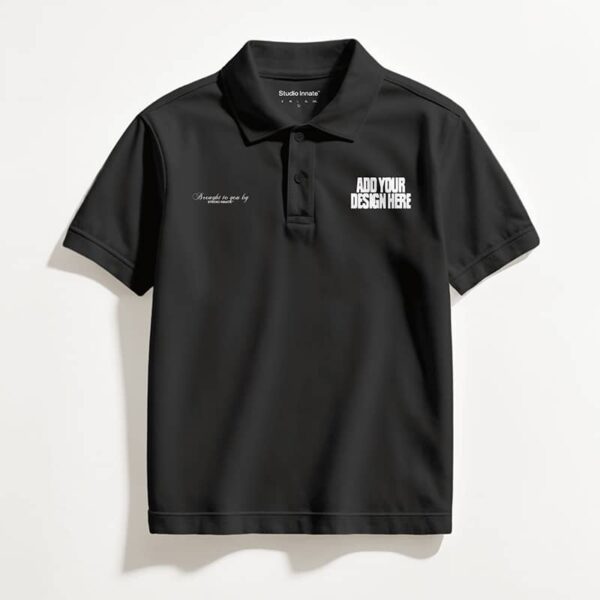
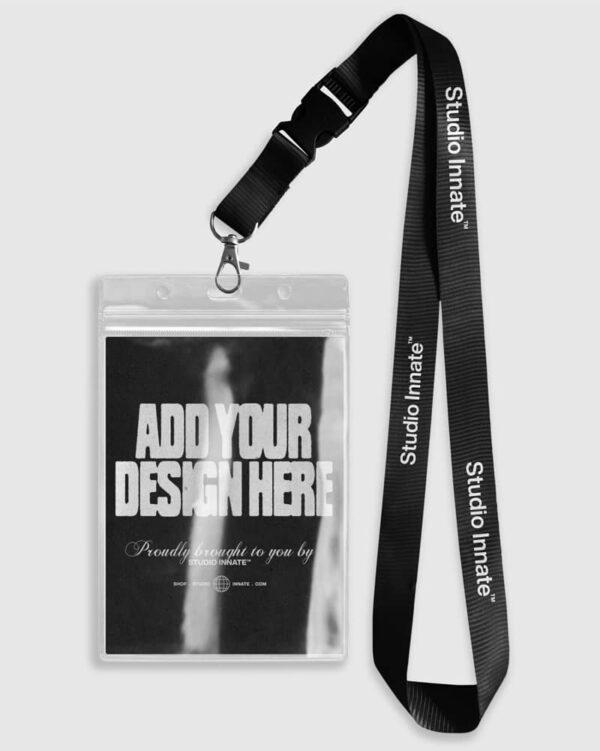
This mockup shows the streetwear fit t-shirt from the front. Use it to see how your design will look on the finished garment before anything is printed.
Upload your artwork as a PNG, JPG or SVG and place it anywhere on the garment, then scale and position it exactly where you want it. Change the garment colour to match your collection, and add text with the built-in fonts or upload your own. You can also download fonts and graphics from the Studio Innate asset library and upload them to finish the design.
Once your design is in place, Mockup-to-Video / Image puts the finished mockup into a scene that suits your brand, so every image looks unique and on-brand for the audience you're selling to. The AI builds the scene around your design and never redraws your artwork.
Join the Inner Circle to download your designs and access the archive.
| Cookie | Duration | Description |
|---|---|---|
| cookielawinfo-checkbox-analytics | 11 months | This cookie is set by GDPR Cookie Consent plugin. The cookie is used to store the user consent for the cookies in the category "Analytics". |
| cookielawinfo-checkbox-functional | 11 months | The cookie is set by GDPR cookie consent to record the user consent for the cookies in the category "Functional". |
| cookielawinfo-checkbox-necessary | 11 months | This cookie is set by GDPR Cookie Consent plugin. The cookies is used to store the user consent for the cookies in the category "Necessary". |
| cookielawinfo-checkbox-others | 11 months | This cookie is set by GDPR Cookie Consent plugin. The cookie is used to store the user consent for the cookies in the category "Other. |
| cookielawinfo-checkbox-performance | 11 months | This cookie is set by GDPR Cookie Consent plugin. The cookie is used to store the user consent for the cookies in the category "Performance". |
| viewed_cookie_policy | 11 months | The cookie is set by the GDPR Cookie Consent plugin and is used to store whether or not user has consented to the use of cookies. It does not store any personal data. |

You’ll need the AI Plan to use this feature. Switch plan if you’re out of credits.
View